Quick answer
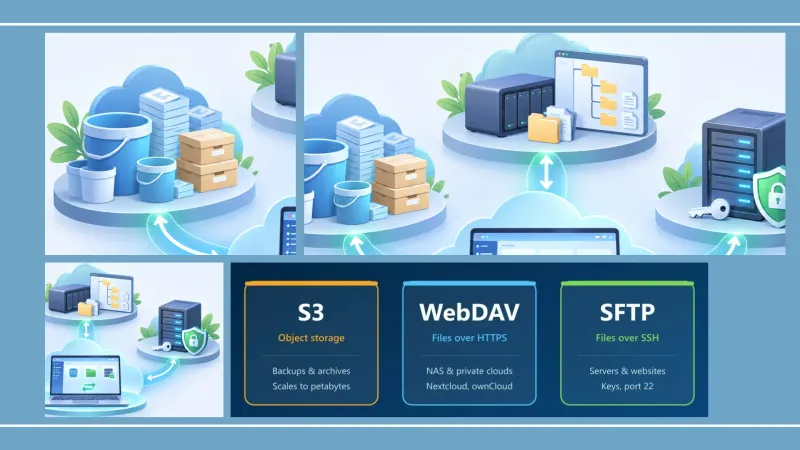
Use S3 for backups, archives and large amounts of data that you write once and read occasionally. Use WebDAV to reach the files on a NAS or a private cloud such as Nextcloud or ownCloud. Use SFTP to work with servers and websites where you need SSH security and permissions. They are not rivals so much as three tools for different jobs, and many people end up using two or all three.
Key takeaways
- S3 is object storage: files are stored as objects in buckets, accessed through an HTTP API. It is cheap per GB, scales almost without limit and is built for backups, but it cannot edit part of a file or rename it in place.
- WebDAV is a file-sharing extension of HTTP: it behaves like a normal folder tree with locking, which makes it a good fit for NAS devices and self-hosted clouds.
- SFTP transfers files over SSH: it is encrypted, supports key authentication and partial reads and writes, and is the standard for server administration.
- FTP is not SFTP: plain FTP sends passwords unencrypted. If a service still offers FTP, use FTPS or SFTP instead.
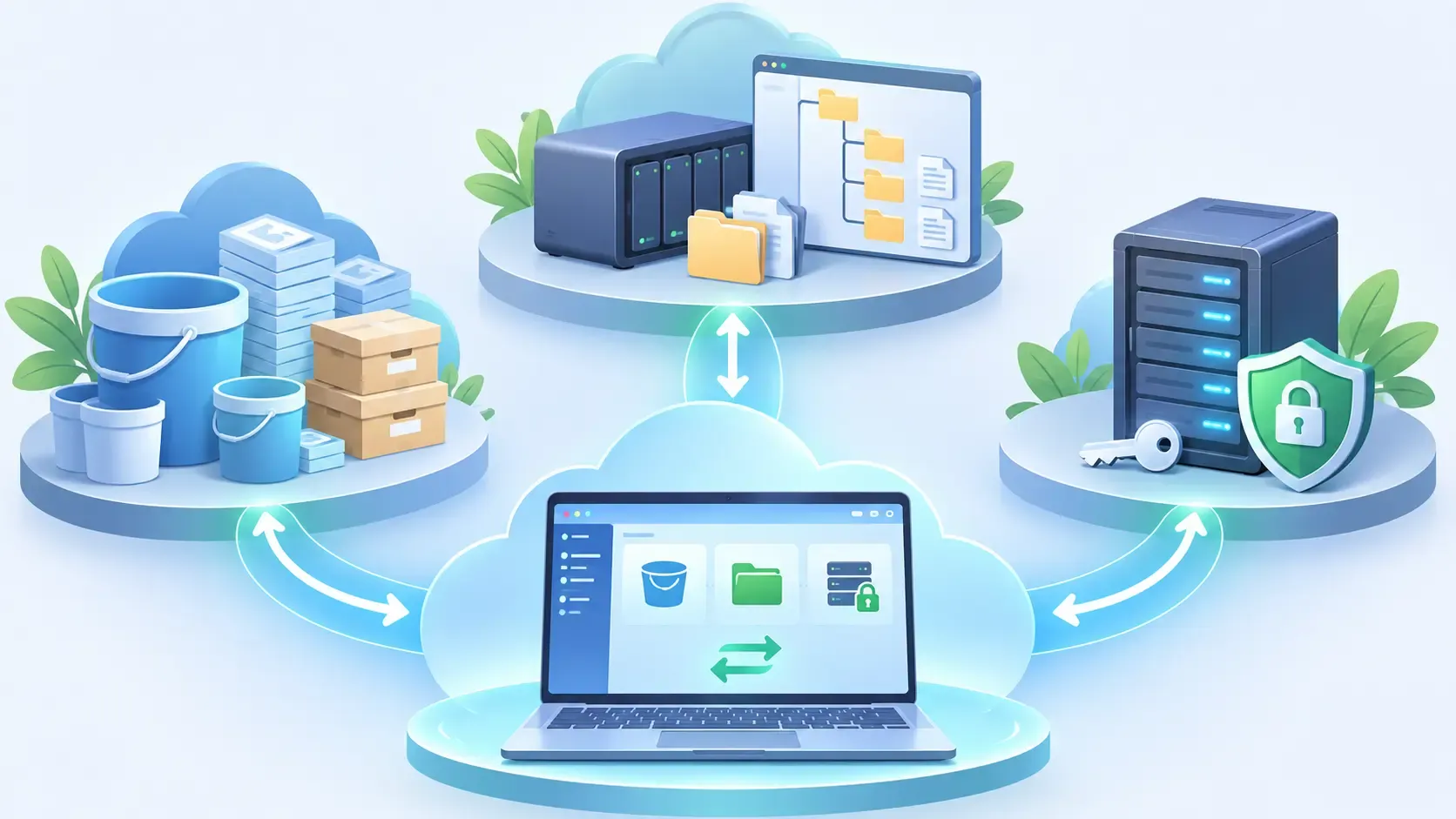
- You do not have to pick one app per protocol: a multi-protocol client can browse, sync and transfer between all of them.
What is the difference between WebDAV, S3 and SFTP?
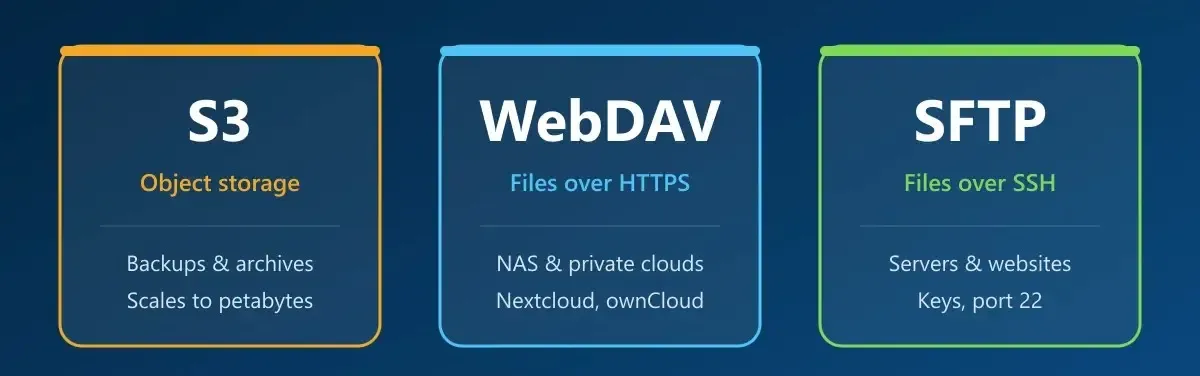
The main difference is what the protocol thinks a file is. S3 stores objects in a flat namespace and exposes them through a web API. WebDAV and SFTP expose a real file system with folders, renames and in-place updates, but WebDAV runs over HTTP(S) and SFTP over SSH.
| Amazon S3 / S3-compatible | WebDAV | SFTP | |
|---|---|---|---|
| Storage model | Objects in buckets; “folders” are key prefixes | Files and folders | Files and folders |
| Runs over | HTTPS (REST API) | HTTP/HTTPS, port 443 | SSH, port 22 |
| Authentication | Access key + secret key, IAM policies | Username and password (sometimes app passwords) | Password or SSH key |
| Encryption in transit | Yes (HTTPS) | Only if you use HTTPS | Always |
| Edit part of a file | No, the object is rewritten | Usually the whole file is re-uploaded | Yes, random read and write |
| Rename or move | Copy + delete | Native | Native |
| Typical providers | AWS, Wasabi, Backblaze B2, Cloudflare R2, IDrive e2, MinIO | Nextcloud, ownCloud, Synology and QNAP NAS, some cloud providers | Linux servers, web hosting, NAS |
| Cost model | Per GB stored, plus requests and (often) egress | Usually included in your server or plan | Included in your server |
| Best for | Backups, archives, media libraries, large data sets | Shared folders on a NAS or private cloud | Websites, server files, secure transfers |
When should you use S3?
Choose S3 or an S3-compatible service when you need cheap, durable storage that grows without planning and your files rarely change after they are uploaded. A single object can reach 5 TB, and the provider takes care of redundancy.
Good fits for S3:
- Offsite backups of computers, NAS devices or other clouds.
- Archives of finished projects, photos or video footage.
- Static assets that a website or app reads but does not edit.
Things to keep in mind:
- No partial edits. Changing one paragraph of a document means uploading the whole object again. That is fine for backups, but awkward for files you edit every day.
- Renames are expensive. Renaming a “folder” in S3 actually copies and deletes every object under that prefix.
- Watch the egress fees. On AWS you pay to download data, not just to store it. Several S3-compatible providers lower or remove that fee, so compare them before you upload terabytes. Air Explorer’s guide to S3-compatible cloud storage services lists some of the alternatives.
When should you use WebDAV?
Choose WebDAV when you want to reach a folder tree on your own hardware or private cloud from anywhere, using an ordinary HTTPS connection that firewalls rarely block. Nextcloud, ownCloud and most NAS systems expose their files through WebDAV, and it supports file locking, which helps when several people open the same documents.
Good fits for WebDAV:
- Accessing a Synology, QNAP or other NAS remotely.
- Self-hosted clouds like Nextcloud and ownCloud.
- Teams that share folders and need a familiar file-and-folder structure.
Things to keep in mind:
- Always use HTTPS. WebDAV over plain HTTP sends your credentials and files unencrypted.
- Native Windows support is limited. Mapping WebDAV with the built-in WebClient service caps downloads at about 50 MB per file by default, and Microsoft has listed the service as deprecated. macOS can connect from Finder, but the connection can be slow with large folders.
- Performance depends on the server. A home NAS behind a slow upload connection will feel slow whatever client you use.
When should you use SFTP?
Choose SFTP when you manage a server: a website, a VPS, a development machine or any Linux system. It uses the same SSH connection administrators already rely on, so there is no extra service to install, and it supports key-based authentication, file permissions and resumable transfers.
Good fits for SFTP:
- Uploading and maintaining websites on a hosting account or VPS.
- Exchanging files securely with clients or partners who give you an SSH account.
- Server backups that you then copy to a cloud or S3 bucket.
Things to keep in mind:
- It is not designed for massive storage. SFTP gives you access to a server’s disk; capacity, redundancy and backups are your responsibility.
- No native support in Windows Explorer or macOS Finder. You need a client app to browse or mount an SFTP server.
- Protect your keys. Use SSH keys instead of passwords where you can, and never share a private key.
FTP vs S3: is FTP still a good option?
Plain FTP is no longer a safe default. It sends usernames, passwords and files without encryption, so anyone on the network path can read them. If you are comparing FTP with S3 for storing files, the real comparison is:
- S3 for storage: cheaper per GB, redundant and accessed over HTTPS.
- SFTP or FTPS for transfers to a server: both encrypt the connection. SFTP runs over SSH; FTPS is classic FTP wrapped in TLS.
Many hosting companies still expose FTP because older tools expect it. If yours supports SFTP or FTPS, switch to it; most modern clients connect to all three.
Which one is fastest?
There is no universal winner, because speed depends more on the server, the network and the client than on the protocol:
- S3 scales very well with parallel uploads, and large files are split into parts automatically by good clients. It is usually the fastest option for bulk backups to a major provider.
- SFTP adds encryption overhead and often transfers one stream at a time, but it shines on servers with good bandwidth and for resuming large transfers.
- WebDAV is as fast as the server behind it. On a NAS at home, your internet upload speed is usually the bottleneck.
For many small files, any protocol benefits from a client that runs several transfers at once.
How to choose: a simple decision guide
| If you need to… | Use |
|---|---|
| Keep an offsite backup of your PC, NAS or clouds | S3 / S3-compatible |
| Archive finished projects cheaply | S3 / S3-compatible |
| Open your NAS or Nextcloud files from anywhere | WebDAV over HTTPS |
| Share a folder structure with a small team on your own server | WebDAV |
| Upload or edit a website | SFTP |
| Exchange files securely with a client who gives you SSH access | SFTP |
| Connect to an old system that only speaks FTP | FTPS if available, FTP only on trusted networks |
Do you need a different app for each protocol?
No. The friction usually comes from juggling a separate tool for each server rather than from the protocols themselves. Two approaches cover most needs:
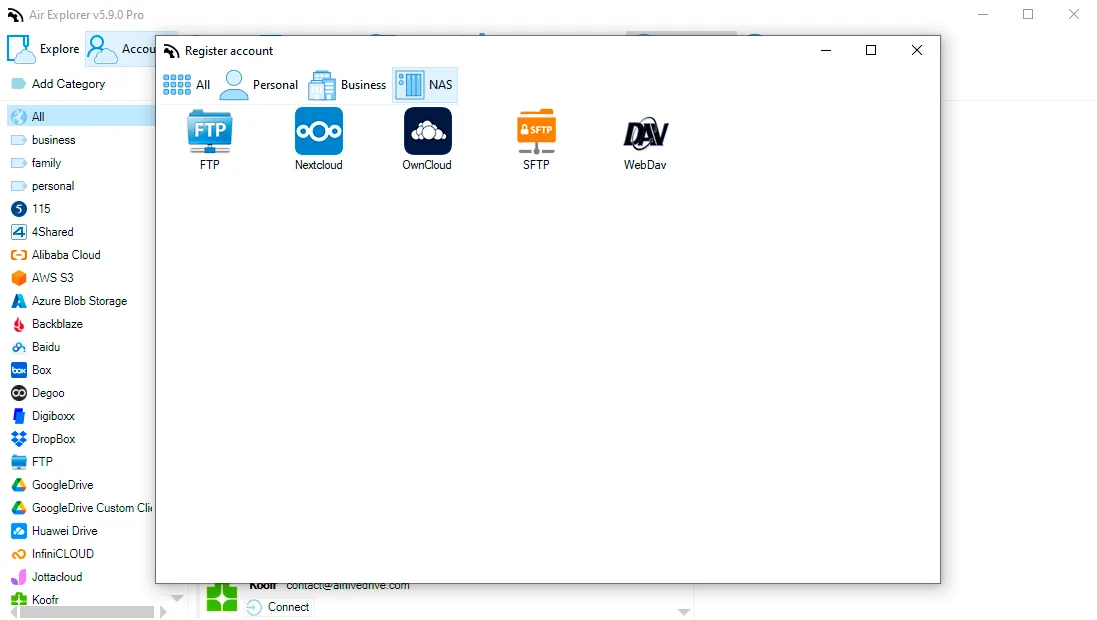
Browse, sync and transfer between all of them. Air Explorer connects to Amazon S3, S3-compatible services, WebDAV, FTP, SFTP, Nextcloud and ownCloud, alongside Google Drive, OneDrive, Dropbox and 40+ other clouds. You can copy files from an SFTP server straight to an S3 bucket, schedule a nightly sync from your NAS to a backup provider, or encrypt files before uploading them. Repetitive jobs can be scripted with its command line.
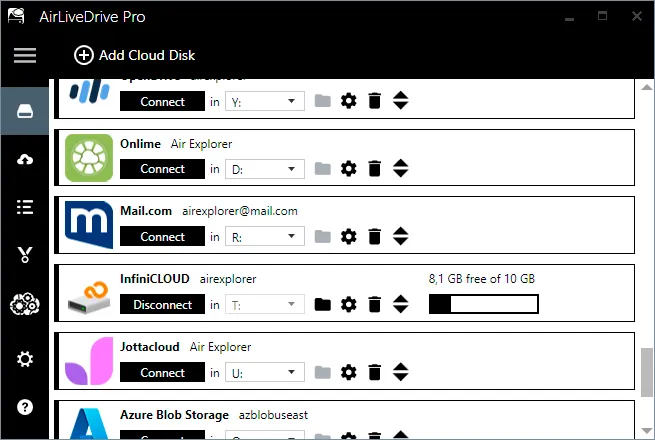
Work with them like a local drive. Air Live Drive mounts S3, Wasabi, IDrive e2, WebDAV, FTP, FTPS and SFTP accounts as drives on your computer, so any program can open and save files there without the limits of the built-in Windows WebDAV client. This is the better option when you edit files directly on the server rather than moving them in bulk. The differences between mounting and syncing are explained in sync vs backup vs cloud mount.
If your setup already mixes several of these services, our guide to managing S3, FTP and WebDAV from one interface shows how to organize them as a single workflow, and mounting cloud storage as network drives covers remote teams.
Frequently asked questions
Is WebDAV better than S3?
Neither is better overall. WebDAV is better for working with a folder tree on a NAS or private cloud, with renames and file locking. S3 is better for cheap, scalable storage such as backups and archives. If you edit files daily, WebDAV fits; if you mostly store and retrieve, S3 fits.
Is SFTP more secure than WebDAV?
SFTP is always encrypted and supports SSH keys, so it is secure by default. WebDAV is equally safe when it runs over HTTPS with strong passwords, but it can also run over plain HTTP, which is not secure. Check that your WebDAV address starts with https://.
Can I mount S3 as a drive on Windows or Mac?
Not with the operating system alone: neither Windows Explorer nor macOS Finder can connect to S3 natively. You need a client that mounts the bucket as a drive, such as Air Live Drive, or a file manager like Air Explorer to browse and transfer files.
Is SFTP the same as FTPS?
No. SFTP is a file transfer protocol that runs over SSH, usually on port 22. FTPS is the old FTP protocol with TLS encryption added, usually on ports 21 or 990. Both encrypt your data, but they are not compatible with each other, so use the one your server supports.
Can I transfer files directly from SFTP to S3?
Yes, with a client that supports both. In Air Explorer you open the SFTP server in one pane and the S3 bucket in the other and copy between them, without uploading the files from a local folder yourself. You can also schedule the transfer as a recurring sync.