For many modern enterprises, cloud storage has shifted from being a simple utility to one of the most significant and unpredictable line items in the operational budget. Most small businesses and independent professionals fall into the “subscription trap”: paying for premium tiers on Google Drive, OneDrive, and Dropbox simultaneously, often leaving significant amounts of “free” or lower-tier storage unused across different platforms.
How can I reduce my cloud storage subscription costs?
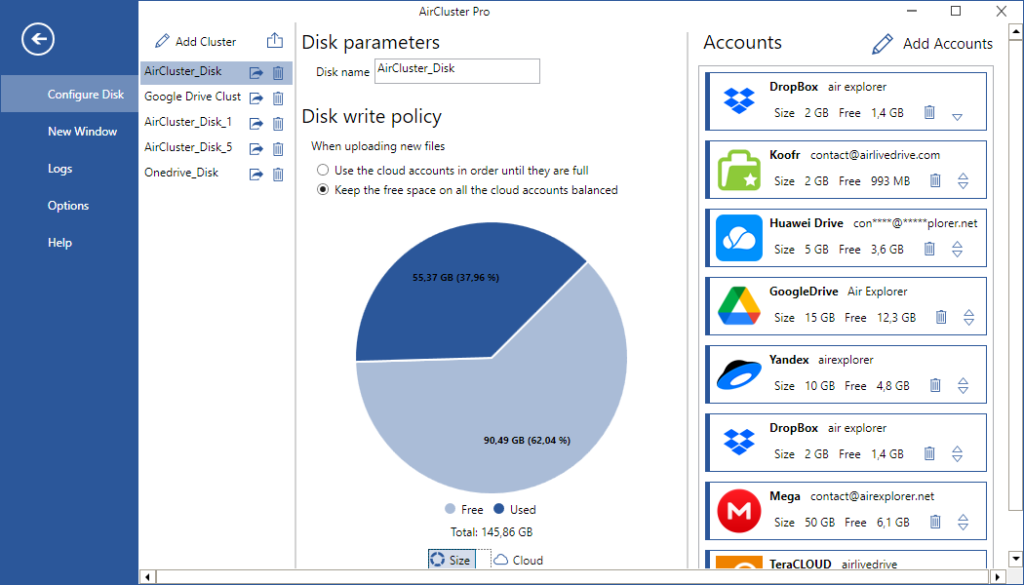
The most effective strategy to reduce cloud storage costs is account consolidation. Instead of upgrading to expensive enterprise tiers, you can use tools like Air Cluster to join multiple smaller accounts into a single “Cloud Pool.” By centralizing management with desktop-based tools like Air Explorer and Air Live Drive, businesses can avoid recurring monthly fees and leverage a one-time license model, reducing long-term storage expenses by up to 70%.
The Hidden Waste in Fragmented Cloud Storage
Most organizations manage data across various providers. This fragmentation leads to “Storage Scarcity Paradox”: you are prompted to pay for more space on one provider because it’s full, while another account sits at 20% capacity.
Without a centralized management layer, you are forced to pay for the highest common denominator of storage across all your providers.
Strategic Solutions to Optimize Your Cloud Budget
To move away from high-cost subscriptions, you need to shift from a web-dependent workflow to a localized management architecture.
1. Consolidation with Air Cluster: The “Cloud Pool” Concept
Instead of paying for a single 10TB plan, Air Cluster allows you to sum the capacity of several smaller accounts.
The Technical Benefit: You can combine five 2TB accounts into one 10TB virtual volume.
Cost Impact: This allows you to stay within lower, more cost-effective tiers across multiple providers while enjoying the total capacity of a high-end plan.
Advanced Security: These tools allow you to encrypt your files locally before they are uploaded to the cloud. This ensures that even if a provider suffers a data breach, your business information remains inaccessible to unauthorized users.
2. Efficient Migration with Air Explorer
Moving data between clouds often incurs “egress fees” or requires keeping expensive accounts active just because they hold legacy data.
The Solution: Use Air Explorer to perform high-speed migrations.
Technical Edge: Unlike web-based managers like MultCloud, which process data through their own servers (often resulting in traffic limits or monthly fees), Air Explorer uses your local hardware. This ensures faster transfers and zero additional traffic costs.
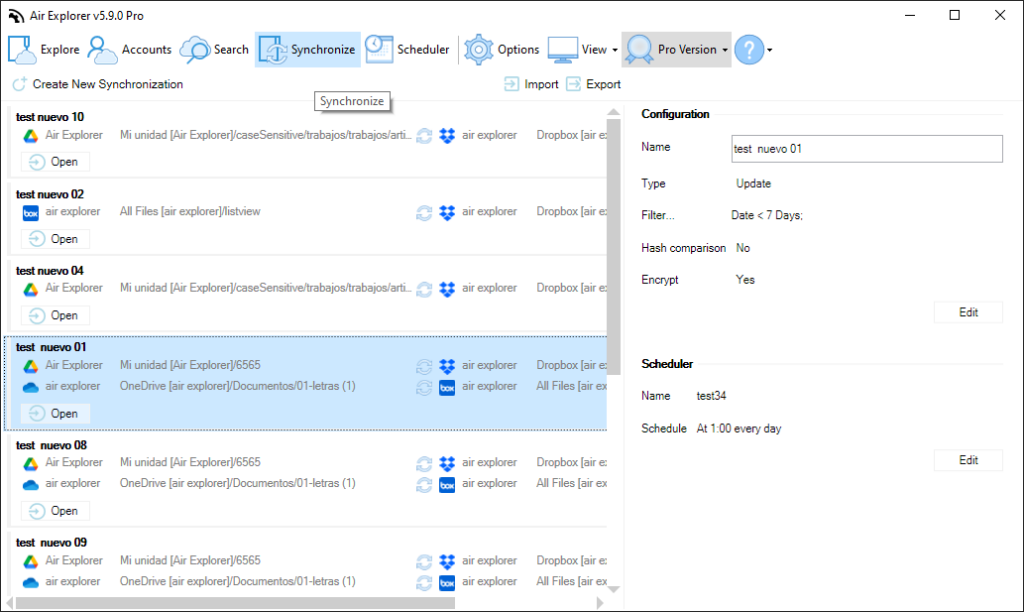
Automation: You can schedule transfers to move old files from an expensive “Hot” storage tier to a cheaper “Cold” storage or a different provider entirely.
3. Virtualization with Air Live Drive
One of the biggest indirect costs of cloud storage is the need for high-capacity local SSDs for employees.
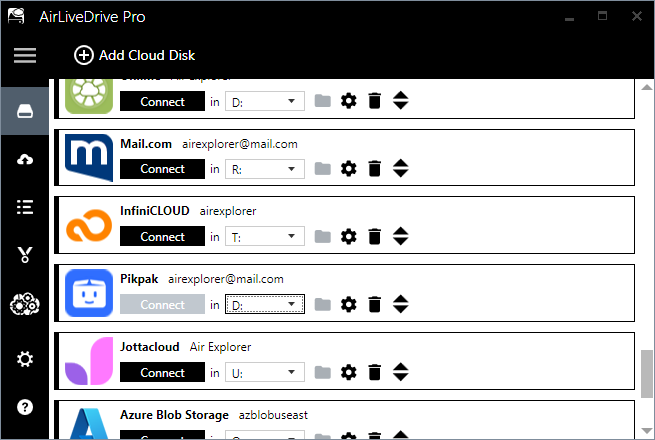
The Solution:Air Live Drive mounts your cloud storage as local network drives.
Cost Impact: You can provide employees with lower-spec hardware (smaller SSDs) because their “local” storage is actually the cloud. This reduces hardware CAPEX without sacrificing the user experience, as files are opened directly in their native applications (Excel, Photoshop, etc.).
One-Time License vs. Perpetual Subscriptions
The most significant financial drain in cloud management is the “SaaS Tax.” Web-based competitors like MultCloud or RaiDrive’s professional tiers often rely on recurring billing.
Feature
Desktop-Based Tools (Explorer/Cluster/Live Drive)
Web-Based Managers (e.g., MultCloud)
Payment Model
One-time / Lifetime License available
Recurring Monthly/Yearly Subscription
Data Processing
Local (Your PC) – Faster & More Secure
Server-Side – Subject to provider queues
Encryption
Client-Side (AES-256)
Often Server-Side only
Traffic Costs
None
Often capped or billed per GB
Step-by-Step: Consolidating Your Business Cloud
Audit your current accounts: Identify the total “free” and “basic” space you have across Google, OneDrive, Box, and Mega.
Configure Air Cluster: Add all these accounts to create a unified volume, maximizing your available storage without upgrading plans.
Optimize your workflow with Air Live Drive: Mount this new “Cloud Pool” as a local Z: drive on your team’s computers.
Automation with Air Explorer: Set a weekly task to move completed projects from your “Work Cloud” to your “Archive Cloud” to keep your primary tiers below the limit.
Conclusion
Slashing cloud costs is not about using less data; it’s about managing it with better tools. By moving away from server-side web managers and adopting a desktop-centric multicloud strategy, small businesses can achieve enterprise-level security and capacity at a fraction of the traditional cost.
Utilizamos cookies para asegurar que damos la mejor experiencia al usuario en nuestra web. Si sigues utilizando este sitio asumiremos que estás de acuerdo.