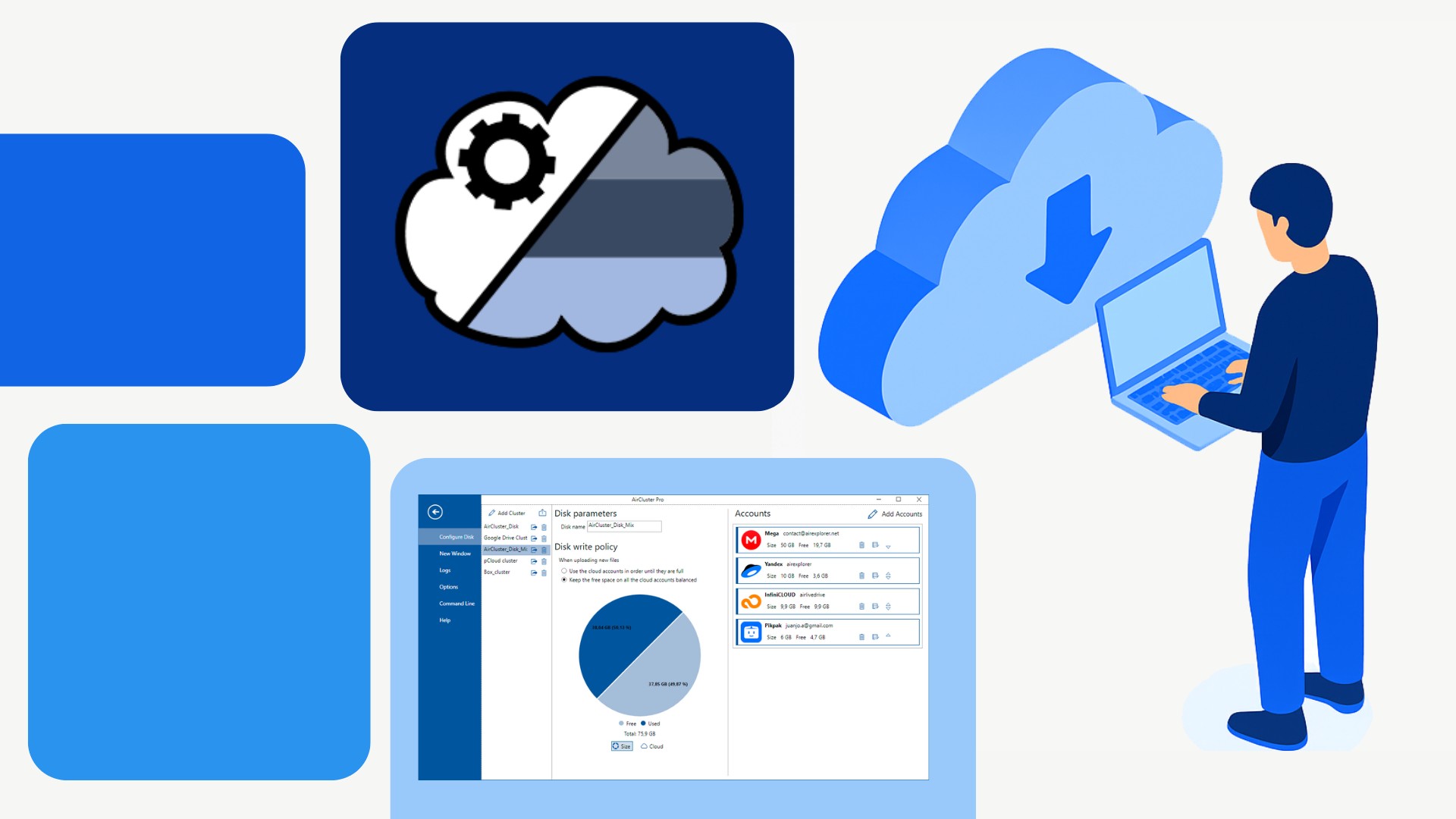
In a world where digital workflows span multiple platforms, the need for multi-cloud synchronization has become essential. Professionals, teams, and individuals often rely on a mix of services, Google Drive for collaboration, Dropbox for file sharing, OneDrive for Office integration, and Mega or Box for personal backups. Managing data across these platforms can be overwhelming, especially when files need to be kept up to date across devices and accounts.
Whether you’re backing up important documents, accessing files from different locations, or collaborating with others, seamless synchronization is key. That’s where Air Cluster comes in, a secure, automated solution that simplifies syncing between your PC and cloud accounts, and even between different cloud services.
Unite your clouds with Air Cluster
Start today and simplify your digital workspace
The problem with manual cloud transfers
Manual file transfers may seem straightforward, but they quickly become inefficient and risky when dealing with multiple accounts or large volumes of data.
- Time-consuming and error-prone: Manually copying files between clouds or from your PC to the cloud is tedious and prone to mistakes.
- Lack of consistency: Without automation, files can become outdated or missing across platforms, leading to version conflicts.
- Security risks: Using multiple interfaces or unencrypted transfers increases the chance of data exposure or loss.
- Limited scalability: Manual workflows don’t scale well for users with extensive datasets or multiple cloud accounts.
These challenges make manual cloud management unsustainable for modern users.
What makes Air Cluster different
Air Cluster offers a smarter way to manage cloud synchronization, eliminating the need for manual transfers and reducing the risk of errors.
- Automated synchronization: Air Cluster handles syncing between your PC and cloud accounts, and between clouds, without requiring manual input.
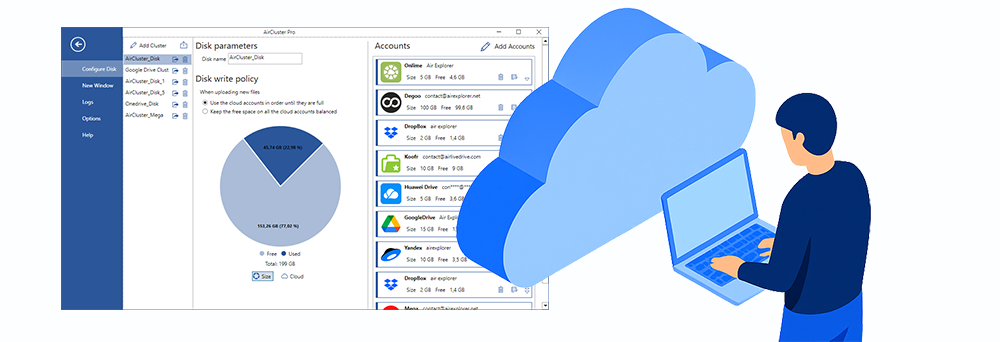
- Multi-cloud support: It works with popular services like Google Drive, OneDrive, Dropbox, Mega, Box, and more.
- Cluster creation: You can group multiple accounts into a single virtual drive, making it easier to manage and sync data across providers.
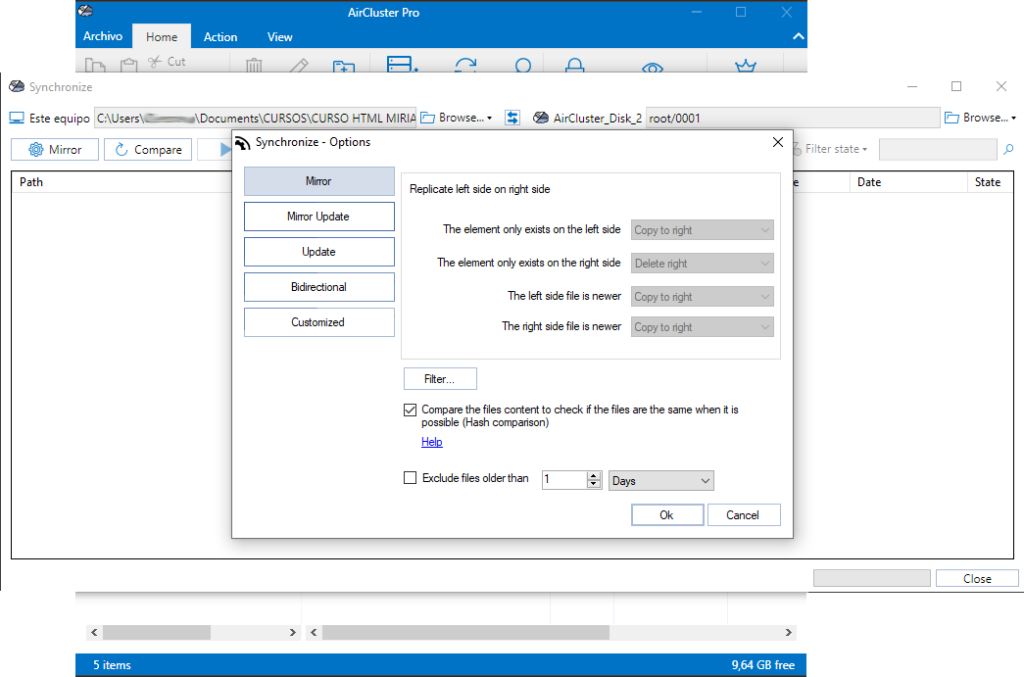
- Smart sync rules: Choose from mirror, mirror updated, update, bidirectional, or customized sync modes. Apply filters to control what gets synced.
- Secure protocols: All uploads are encrypted, ensuring your data remains protected.
Syncing between PC and cloud
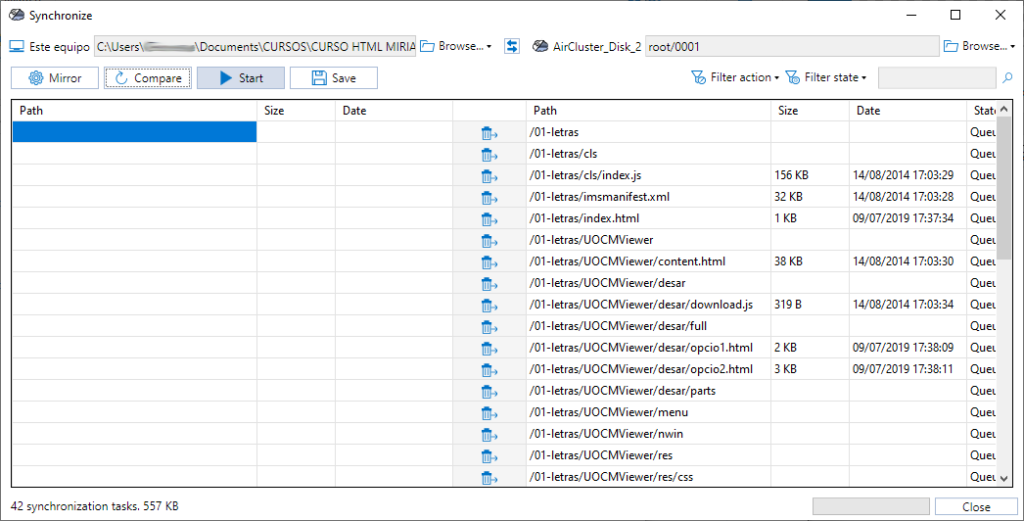
Air Cluster keeps your local folders and cloud folders in perfect sync. Whether you’re backing up work files, accessing documents remotely, or maintaining version control, the software ensures that your data is always current.
For example, you can sync a project folder from your PC to multiple cloud accounts simultaneously. This means your work is backed up across platforms, accessible from anywhere, and protected against local failures, all without lifting a finger.
Syncing between cloud accounts
Air Cluster also enables direct synchronization between cloud accounts. Imagine transferring files from Google Drive to OneDrive automatically, without downloading and re-uploading them manually.
This feature is ideal for users migrating data, consolidating storage, or collaborating across platforms. It saves time, reduces bandwidth usage, and ensures that files are always where they need to be.
Productivity and efficiency gains
By automating syncs, Air Cluster helps users:
- Save time and avoid repetitive tasks.
- Reduce human error and prevent file duplication.
- Maintain centralized control over multiple cloud accounts.
Whether you’re managing personal backups or coordinating team projects, Air Cluster streamlines your workflow and boosts productivity.
Conclusion
Manual cloud management is inefficient, risky, and unsustainable in today’s multi-platform environment. Air Cluster offers a scalable, secure, and intelligent solution for syncing data between your PC and the cloud, and between cloud accounts themselves.
If you’re ready to simplify your cloud workflows, protect your data, and save valuable time, try Air Cluster today and experience the future of cloud synchronization.