
Managing a fragmented digital ecosystem requires specialized tools. While Air Explorer, Air Live Drive and Air Cluster support major providers like Google Drive, OneDrive, and S3, each is engineered for a specific technical workflow.

AIR EXPLORER
Designed for heavy-duty file operations, synchronization, and automated migrations.

AIR LIVE DRIVE
Designed to integrate cloud storage directly into your OS as local drive letters.

AIR CLUSTER
Designed to aggregate multiple accounts into a single, massive storage volume.
Deep Dive: Technical Features & Use Cases
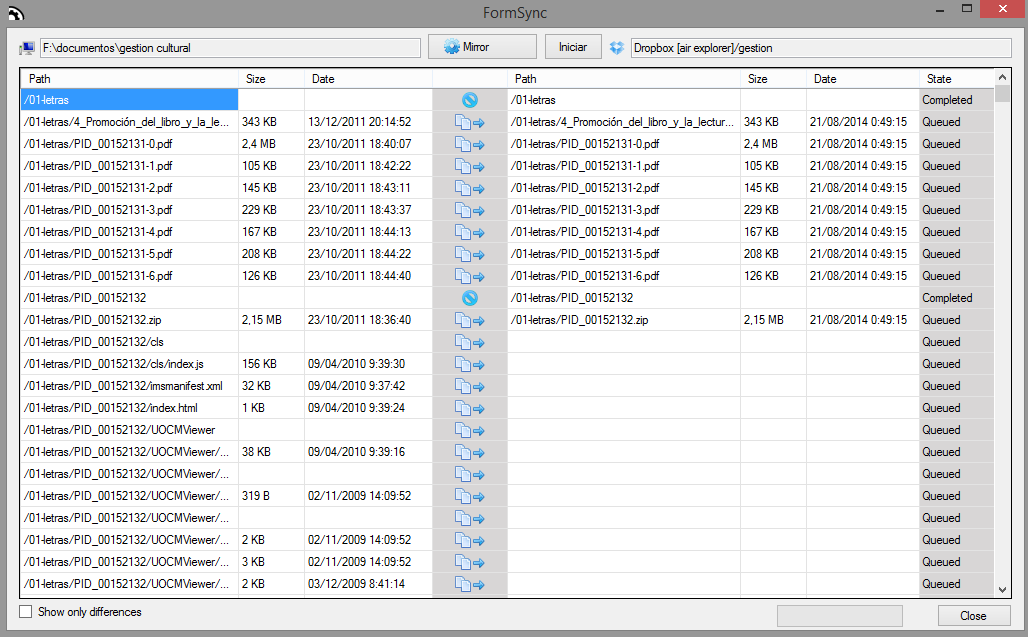
AIR EXPLORER
Synchronize tool
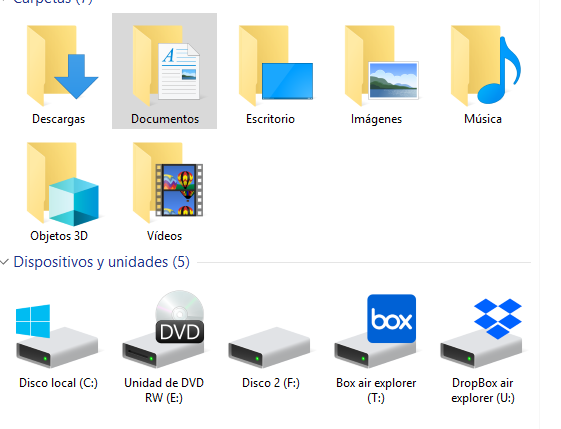
AIR LIVE DRIVE
See your clouds like icons in your Explorer
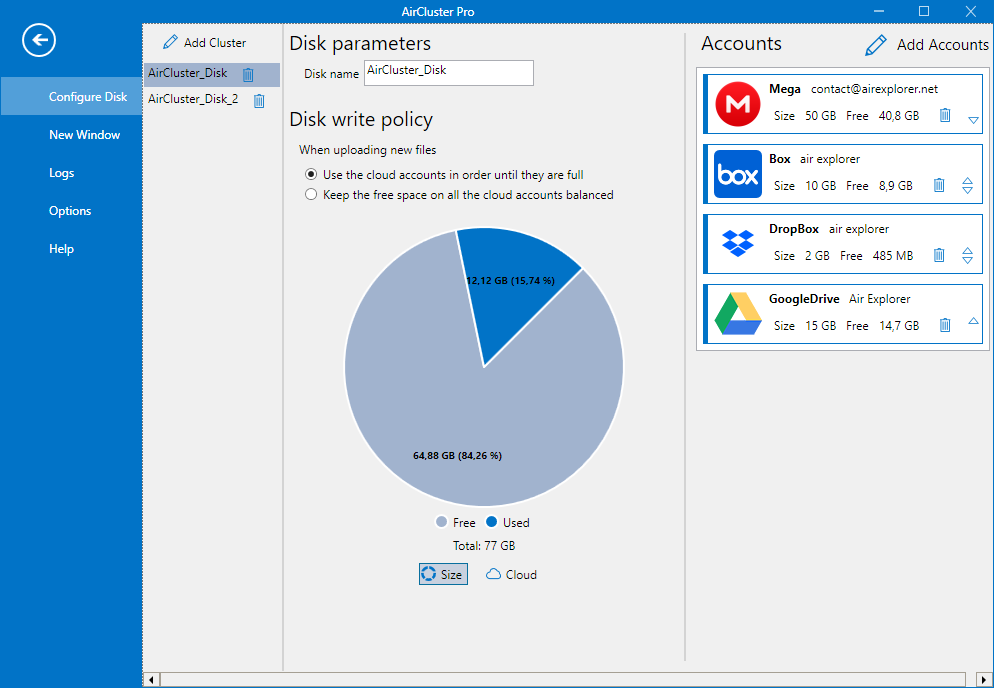
AIR CLUSTER
Add your clouds to have more capacity
|
Tool
|
Focus
|
Best for
|
Key Advantage
|
Core Features & UX
|
|---|---|---|---|---|
Technical Comparison Matrix
|
|
AIR EXPLORER
|
AIR LIVE DRIVE
|
AIR CLUSTER
|
|---|---|---|---|
|
CLOUDS SUPPORTED
|
36+
|
31+
|
|
|
SYNCHONIZE TOOL
|
Yes (Advanced)
|
No
|
Yes (Cluster Sync)
|
|
SCHEDULER TOOL
|
Yes
|
No
|
Yes
|
|
ENCRYPT TOOL
|
Yes
|
No
|
Yes
|
|
INTERFACE
|
Dual-Pane Desktop App
|
Windows Explorer
|
Unified Volume Manager
|
Technical FAQ: Expert Guide to Cloud Solutions
The main difference is how you access your data. Air Explorer is a dedicated file management application for syncing and moving files between clouds. In contrast, Air Live Drive maps your clouds as local drive letters, allowing you to use remote files directly in any desktop software without a synchronization process.
Air Explorer is a file manager that treats each cloud account as an individual destination, ideal for organizing and migrating files between them. Air Cluster, however, is a storage aggregator that merges multiple accounts into a single, unified volume. While Explorer manages files between clouds, Cluster lets you manage files inside one massive pooled cloud created from several accounts.
You can unify multiple cloud accounts using Air Cluster. This tool allows you to “pool” storage from different providers (or multiple accounts from the same provider) into a single large volume, making it easier to manage large datasets across fragmented free storage tiers.
Air Explorer is the recommended tool for automated backups. It features a professional Task Scheduler and a Command Line Interface that allows you to automate daily mirrors or bidirectional syncs between local servers and cloud storage.