Join All Your Clouds Into One High-Capacity Volume
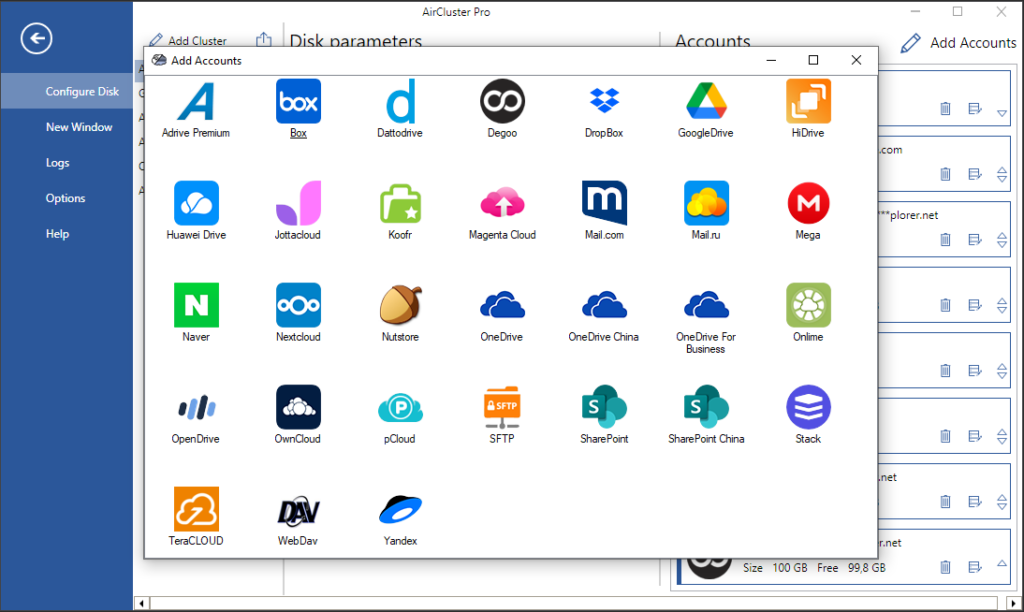
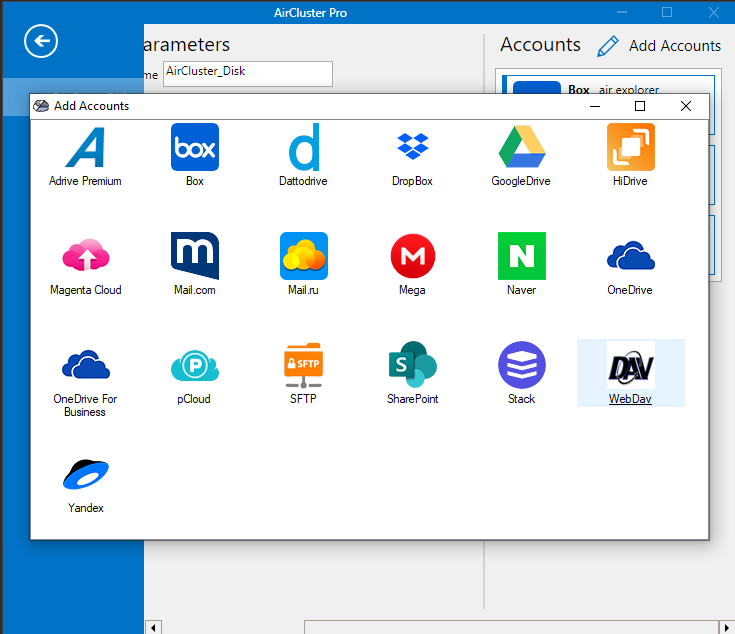
Air Cluster is the definitive application to join all your clouds into a single, unified storage ecosystem. By implementing advanced Storage Pooling Technology, it supports multiple cloud servers, including Google Drive, OneDrive, Dropbox, Mega, Box, WebDAV, Naver, Yandex, Baidu, and SFTP, allowing you to manage your entire digital environment from a single interface.
You can create a custom cluster and add as many accounts as needed. For instance, you can add several Google Drive accounts to sum all the space and bypass individual account limitations, managing them as if they were a single big cloud.
Ready to simplify your multi-cloud storage management ?
Air Cluster brings all your clouds together into one unified experience, simplifying management and streamlining data transfers. Experience the power of a single, cohesive cloud environment.
Visit our website to learn more and start your free trial!
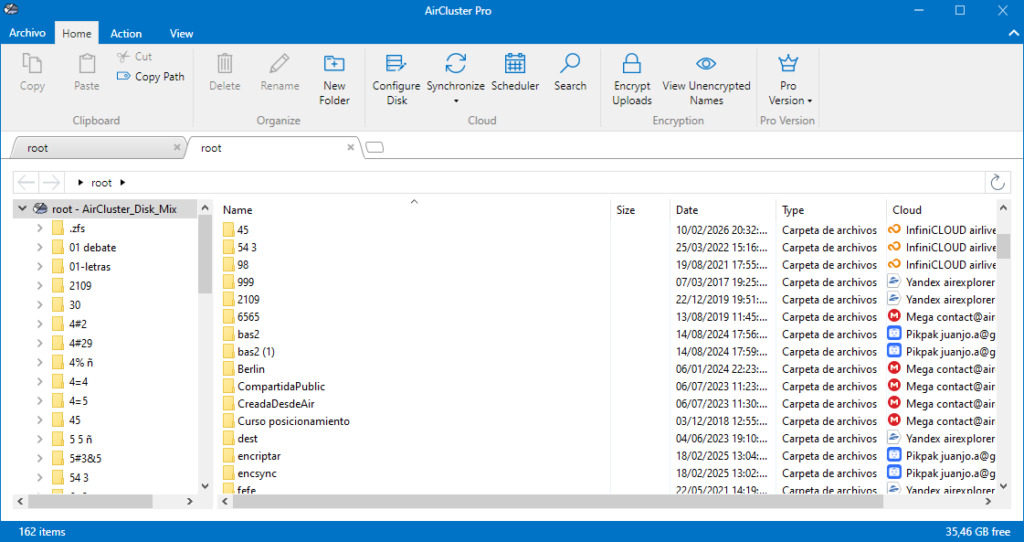
The Air Cluster interface allows easy and intuitive use

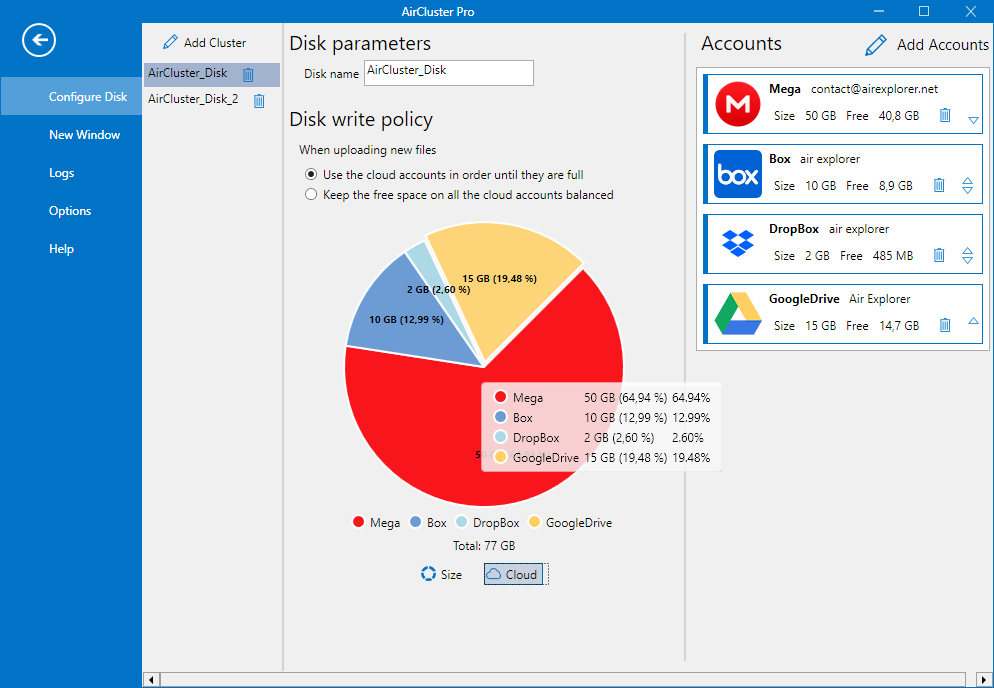
Create your cluster
First create your cluster and add all the cloud accounts you want.
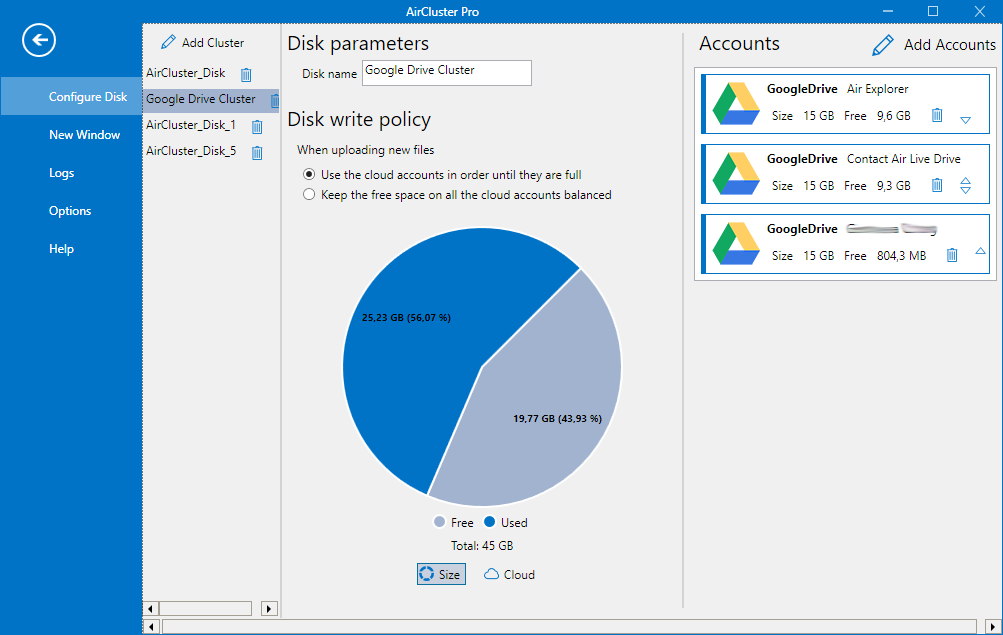
The sum of all your clouds
The cluster that you create will have the storage capacity of the sum of all your clouds.
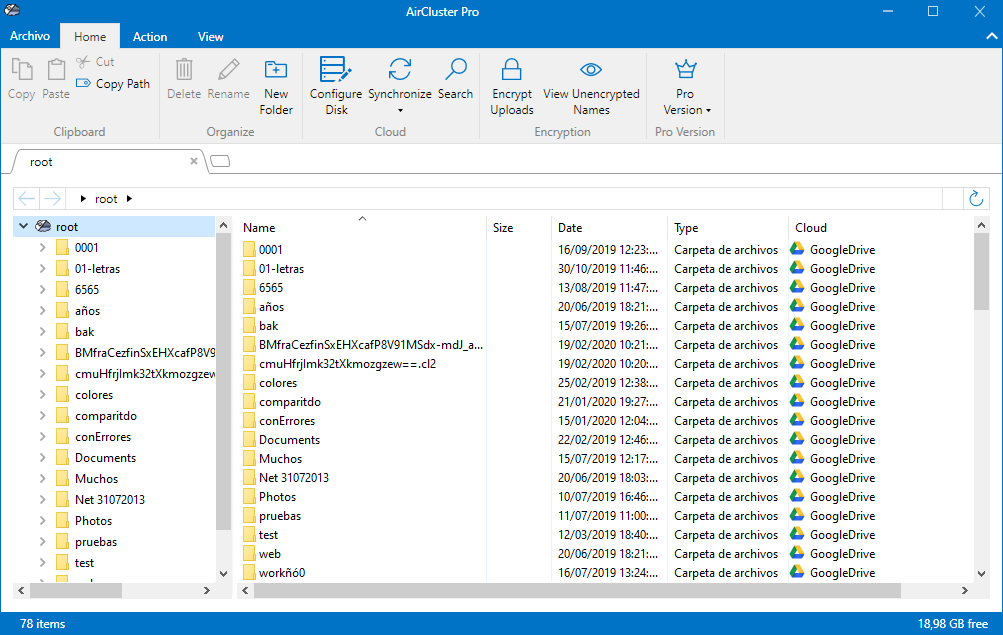
Upload your files
In this way you can upload all your files to the cluster and the program will distribute the files taking advantage of the space.
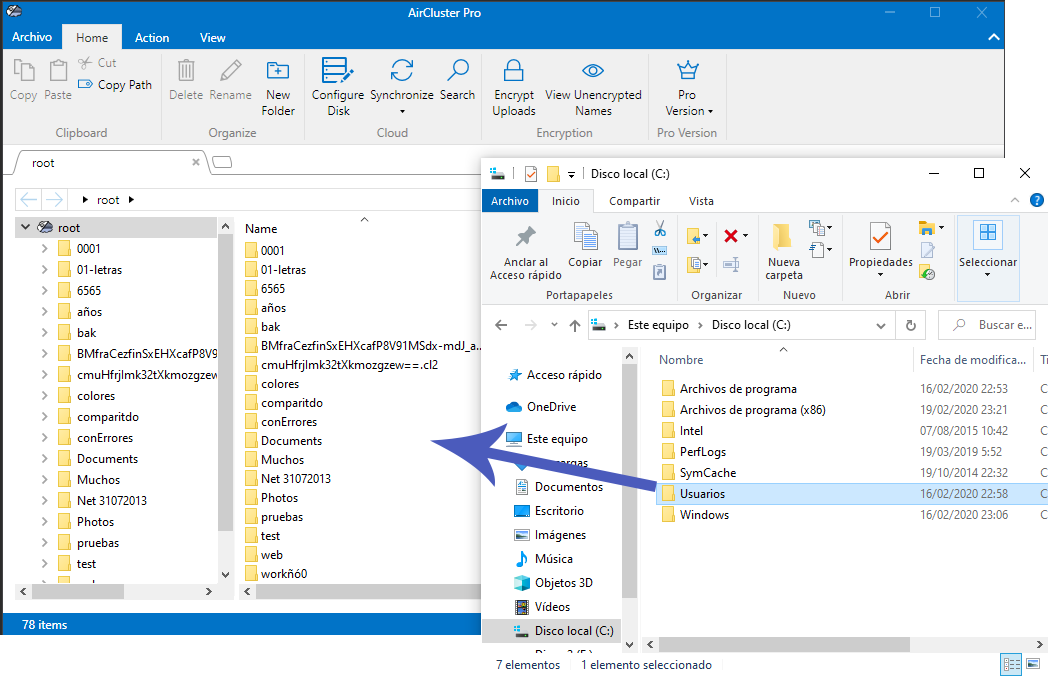
Copy from your Windows Explorer
You can copy from your Windows Explorer and paste into Air Cluster, or you can drag the files from Windows Explorer.
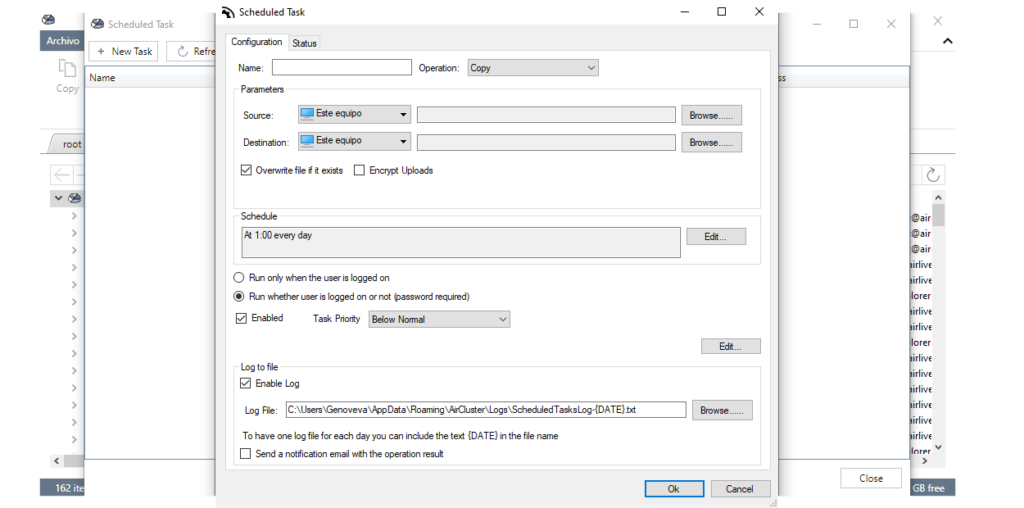
Automate Your Workflow with the Built-in Task Scheduler
Air Cluster includes a powerful Scheduled Task tool to automate your data workflow:
Automated Sync & Copy: Effortlessly sync folders between cloud services and your computer.
Flexible Scheduling: Run tasks daily or weekly ensuring constant data consistency.
Logs & Notifications: Track operations with detailed transaction logs and receive email alerts with the results.
Task Prioritization: Optimize system resources efficiently, especially during large-scale migrations.
Secure Data Transfers with Local Encryption
While managing your cluster, you can enable optional client-side encryption. This ensures that your files are secured with a password on your local hardware before being uploaded. Since encryption happens before transmission, cloud providers only store encrypted data blocks, maintaining your total data sovereignty.
Native Support for Robust Public and Professional Clouds
Air Cluster provides deep integration with the industry’s leading storage providers:
Technical FAQ: Mastering Cloud Aggregation & Automation
The most effective way is using Air Cluster. By adding multiple accounts (Google Drive, OneDrive, etc.) to the software, it merges their individual capacities into a single virtual volume. This allows you to manage, sync, and backup files across all accounts simultaneously through a centralized access point.
Yes, Air Cluster includes a built-in Task Scheduler. You can create a “New Task,” select your source and destination, and set a schedule (e.g., “At 1:00 every day”). The software can be configured to run these tasks ensuring automated and unattended backups.
Yes, Air Cluster ensures safety through optional client-side encryption. This means your files are encrypted on your computer before they are uploaded to the cloud, making them inaccessible to unauthorized users or the cloud service providers.