As businesses scale, their data storage needs often move beyond consumer-grade clouds like Google Drive or Dropbox. Professional environments frequently rely on a mix of Amazon S3 (and S3-compatible storage), FTP/SFTP servers, and WebDAV to handle website backups, media assets, and secure file transfers. However, managing these disparate protocols usually requires multiple clients, leading to fragmented workflows and increased security risks.
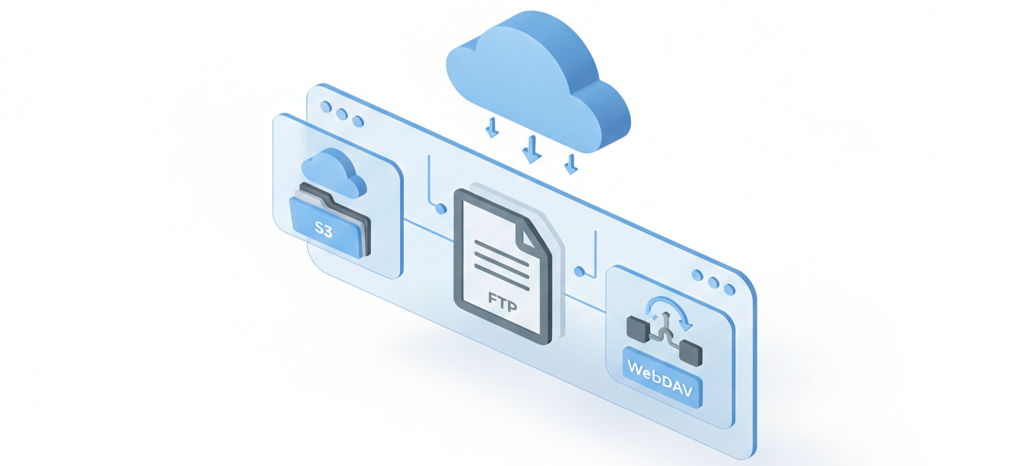
What is the best way to manage S3, FTP, and WebDAV together?
The most efficient way to centralize professional storage is by using a multi-protocol desktop client like Air Explorer. By integrating S3 buckets, FTP servers, and WebDAV connections into a single, dual-pane interface, IT administrators and developers can manage, synchronize, and transfer data between different protocols without needing multiple specialized applications. This unified approach enhances security through client-side encryption and streamlines automation via command-line tools.
The Challenge of Managing Professional Storage Protocols
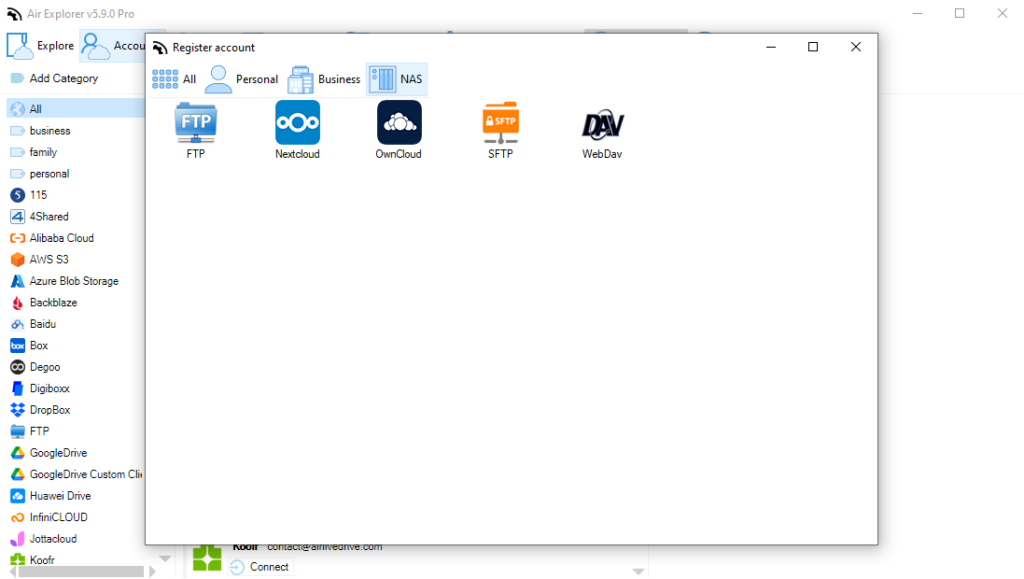
Professional storage protocols are robust but often lack user-friendly management interfaces:
- Amazon S3 & S3-Compatible: Excellent for scalability but often requires complex console navigation or specialized CLI tools.
- FTP/SFTP: The standard for web servers, yet often managed through legacy clients that lack modern synchronization features.
- WebDAV: Frequently used for NAS and private clouds (like Nextcloud), but often suffers from connection stability issues when mounted natively in operating systems.
Strategic Benefits of a Centralized Interface
1. Unified Workflow and Interoperability
Centralizing these protocols into one interface allows for direct “Cloud-to-Server” or “S3-to-S3” transfers. Instead of downloading a file from an S3 bucket and then re-uploading it to an FTP server, a professional manager handles the stream directly, saving time and local disk space.
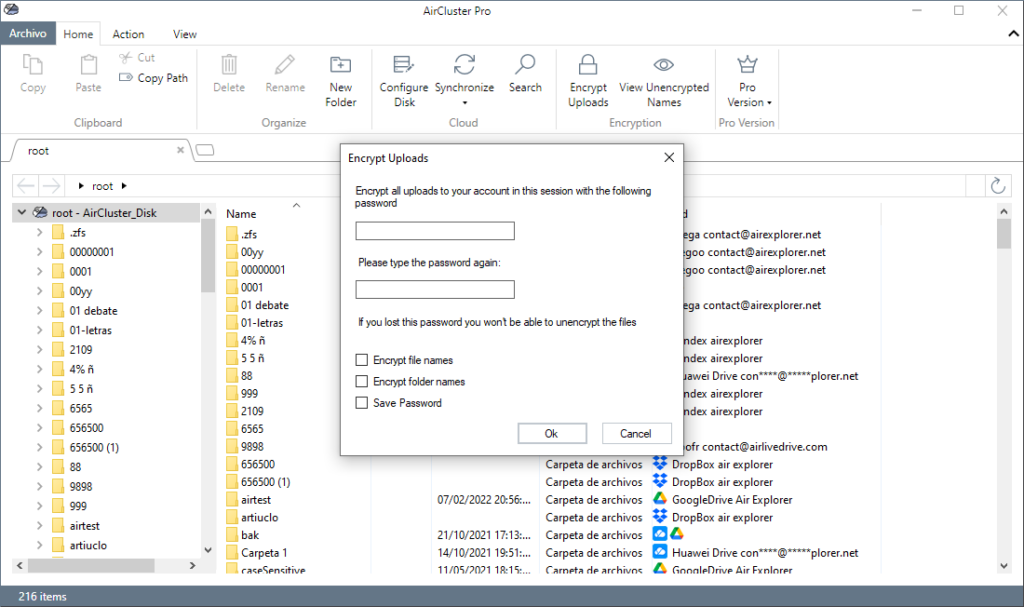
2. Enhanced Security via Client-Side Encryption
One of the biggest risks of using FTP or standard S3 buckets is data exposure. A centralized desktop manager can:
- Encrypt files locally before they reach the professional server.
- Manage SSH keys for SFTP connections securely.
- Use AES-256 bit encryption to ensure that even if the server is compromised, the data remains unreadable.
3. Advanced Automation for IT Administrators
Professional storage management isn’t just about moving files; it’s about automation.
- Command Line Interface (CLI): Automate backups from a WebDAV server to an S3 bucket using scripts.
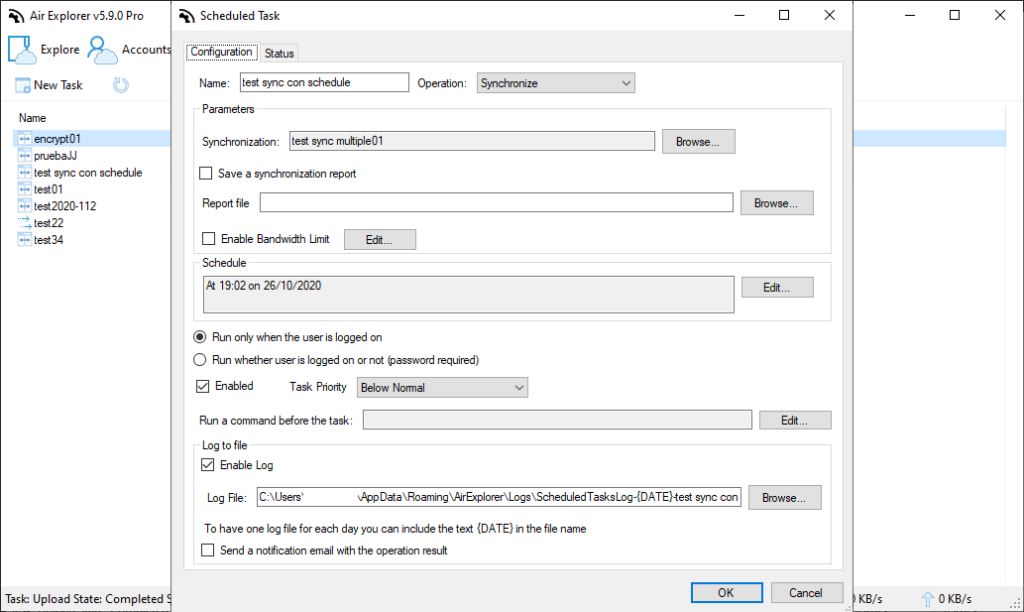
- Task Scheduler: Set recurring synchronizations between an FTP development server and a local backup drive.
Technical Comparison: Professional Protocols in a Single Interface
| Protocol | Best Use Case | Centralized Management Advantage |
|---|---|---|
| Amazon S3 | Mass storage, backups | Visual bucket management & lifecycle policy visibility. |
| SFTP | Secure web server access | Direct sync with cloud providers (e.g., SFTP to OneDrive). |
| WebDAV | NAS & Private Clouds | High-speed file browsing and stable connection handling. |
Conclusion
Moving beyond basic cloud storage requires a more sophisticated toolset. Centralizing S3, FTP, and WebDAV into a single interface with a tool like Air Explorer doesn’t just improve productivity; it provides the technical oversight and security necessary for professional data management in 2026.